
A FastSpin99 withdrawal has one thing going for it compared with a deposit: there’s a single destination, the bank account linked to your profile, and no long list of gateways to pick from. The rules are tighter, though. The minimum is three times the deposit minimum and the bank account has to carry the same name as your profile. On top of that, an active bonus can sit between your balance and your bank.
Everything here comes from the settings and notices published on the FastSpin99 site, and where the site is silent, this page points that out. For the wider picture of games, promotions and support, head back to the FastSpin99 review.
How much you can withdraw
The FastSpin99 minimum withdrawal is A$30. That figure comes from the site’s live payment settings and also appears under the balance on the home page, next to the A$10 minimum deposit. A balance below A$30 simply stays in your account until it gets there.
There’s one catch. A block elsewhere on the site still shows an older line, Minimum Withdrawal: AUD 50.00. The live setting is A$30, but with two figures on display it makes sense to look at the Withdraw screen before you request a FastSpin99 cash out, since the cashier shows the amount that applies to your request.
The published settings set no maximum withdrawal. All that tells you is that the site hasn’t stated a cap. It doesn’t promise that a large sum will go out in a single transfer, so if you’re about to cash out a big balance, ask live chat before submitting whether it’ll be paid in one go.
Deposits have their own limits, anywhere from A$5 up to A$50,000 depending on the method, and the page on PayID and card deposit limits goes through them line by line.
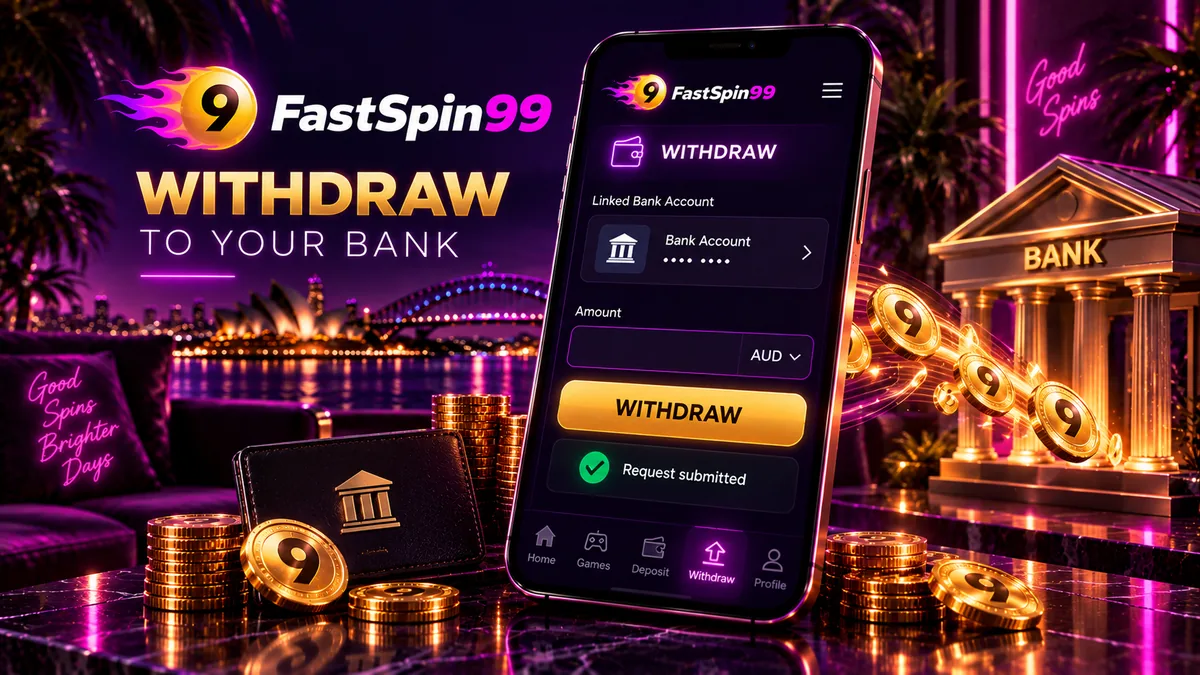
How to request a FastSpin99 withdrawal
You ask for a payout through Withdraw, which sits in the balance block as a button and in the side menu as an item. It only works once you’re signed in. If your session has run out, the guide to logging in to request a payout covers phone and password sign-in.
- Log in and refreshSign in with your mobile number and password, then tap REFRESH so the balance on screen is current.
- Open WithdrawTap WITHDRAW in the balance block or choose Withdraw in the side menu.
- Check the bank accountMake sure the linked account is correct and held in the same name as your FastSpin99 profile.
- Enter the amountType A$30 or more, no higher than your withdrawable balance, and confirm the request.
- Track it in HISTORYOpen the HISTORY tab in the bottom bar to follow the request, and keep the amount and time handy in case you contact live chat.
Did any part of your balance come from a bonus or free credit? Check before typing an amount. If it did, the turnover section further down matters more than these steps.
Log in at FastSpin99Linking the right bank account
FastSpin99 pays out to a bank account attached to your profile (the member bank account setting is switched on in the site’s configuration). No other payout route is published, so expect the money to go to your bank account even if you deposited by card, Apple Pay or crypto.
The deposit name rule applies here as well: the name on that bank account must match the name on your FastSpin99 account. Link an account in your own name and, ideally, the same one you deposit from, so money in and money out carry an identical name. Go over the account number digit by digit before your first request, because a payout sent to the wrong account is a lot of trouble to untangle.
Changing banks? Get the linked account updated through live chat before you ask for a payout, and avoid doing it while a request is still pending. The page on KYC and account security explains why these details have to line up and what the site does and does not publish about itself.
Turnover and bonus balance before cashing out
The balance on screen isn’t always what you can withdraw. Free credit and deposit bonuses usually carry two conditions. Turnover is a set amount you have to bet before bonus-linked funds become withdrawable, and a maximum cashout then caps how much of the resulting winnings you’re allowed to take.
FastSpin99 doesn’t show the numbers for either condition in open view, and figures quoted on other sites disagree with each other. The offer itself is where to look. Open the promotion in the PROMO tab, or the free credit you claimed, and note four things before playing it through: the turnover, the maximum cashout, which games count and when the offer expires.
Two details in those terms are easy to misread. Turnover is normally given as a multiple, of either the bonus alone or the bonus plus the deposit, and bets on games outside the eligible list may not count toward it at all. It’s also worth setting the maximum cashout against the A$30 withdrawal minimum, so you know from the start whether the offer can realistically end in a payout.
Free credit needs the most care, since it costs nothing to claim and its limits are easy to skim past; the page on turnover on free credit explains how it works. For deposit offers, go through the bonus terms to check before cashing out. When a request gets refused or reduced while a promotion is active, start with those terms.
How long payouts take
FastSpin99 doesn’t publish a withdrawal time, and there’s no processing window stated anywhere on the site. Any specific number of hours quoted elsewhere isn’t coming from the casino.
What you can do is make sure a FastSpin99 payout has nothing obvious holding it up:
- A matching name. The linked bank account and your FastSpin99 profile carry exactly the same name.
- No active bonus. Turnover is complete, or there’s no promotion attached to the balance you’re withdrawing.
- One request at a time. You and support can follow a single request far more easily than several.
- Live chat when needed. Support is open 24/7 if a request sits longer than you expected.
The status of every request shows up in the HISTORY tab, which is the record tied to your account, so look there first.
The Withdrawal Leaderboard
In the side menu you’ll find the FastSpin99 Withdrawal Leaderboard, while the home page runs a LIVE TRANSACTION feed of other players’ deposits and withdrawals as they go through. Between them, you get a public view of money moving across the cashier.
That view has limits. A public feed lists withdrawals, but it can’t show how long each one took, what checks came first or how your own request will go, and it guarantees nothing. The leaderboard sits with the site’s loyalty features, which the guide to the Withdrawal Leaderboard and VIP Tier covers.
Deposit vs withdrawal rules side by side
Paying in and cashing out at FastSpin99 work quite differently. Here’s how they compare on the rules that affect you:
| Rule | Deposit | Withdrawal |
|---|---|---|
| Minimum | A$10, or A$5 on the CommBank PayID line | A$30 |
| Maximum | A$3,000 to A$50,000 by method, none listed for crypto | Not set on the site |
| Method | PayID, cards, Apple Pay, crypto and payment gateways | Linked bank account |
| Name rule | Paying account must be in your name | Linked account must be in your name |
| Fees | None listed in the payment settings | Not published |
| Where to track | REFRESH and HISTORY | HISTORY |
The row worth the most attention is the minimum. A$5 or A$10 is enough to try the lobby, yet nothing comes back out until the balance reaches A$30. The method row matters as well: if you only top up by card, Apple Pay or crypto, you’ll still need a bank account in your own name linked to the profile before you can cash out.
When a withdrawal is stuck
Request sitting in HISTORY for longer than you’d like? Work through it in this order:
- Check HISTORY and the linked account. Confirm the amount and the status, and that the bank details are yours and correct.
- Check for an active promotion. Unfinished turnover on bonus funds or free credit is the first thing to rule out.
- Contact live chat. Support runs 24/7. Give them the amount, the time of the request and what HISTORY shows.
- Use Telegram as a second channel. The FastSpin99 AUS Telegram group is listed in the side menu, and there’s a Facebook page as well. Keep account details out of public chats.
Be wary of anyone in a group or a direct message offering to speed up a stuck payout. Contact support through the LIVE CHAT tab inside your account, and never hand over your password or any SMS verification code, whatever name or title the person uses.
Two other habits tend to backfire. Submitting a second withdrawal for the same money makes it harder to see which request is being handled. Cancelling a pending request to resubmit it gets you nowhere either, and once the money is back in a playable balance it’s easy to spend.
Decide your cash-out point before you play
If the site won’t load at all, try the Backup Domain from the side menu or the FastSpin99 status page before assuming something has gone wrong with your payout.
Balance over A$30?
Log in, confirm your linked bank account is in your own name and request the payout from the Withdraw tab.
FastSpin99 withdrawal FAQ
What is the FastSpin99 minimum withdrawal?
The minimum is A$30, set in the live payment settings and shown on the home page. One older block on the site still says A$50, so check the figure on the Withdraw screen.
Is there a maximum withdrawal at FastSpin99?
No maximum is set in the published settings. If you plan to cash out a large balance, ask live chat before you submit whether it will be paid in one transfer.
How long does a FastSpin99 withdrawal take?
The site does not publish payout times. Follow the request in the HISTORY tab and contact live chat, which is open 24/7, if it sits longer than expected.
Where does FastSpin99 send my payout?
To the bank account linked to your profile. That account must be in the same name as your FastSpin99 account.
Can I withdraw while a bonus or free credit is active?
Promotions and free credit usually carry a turnover requirement and a maximum cashout. Read the conditions of the offer in the PROMO tab before you request a withdrawal.
Does the Withdrawal Leaderboard show the status of my payout?
No. It is a public feed of other players' withdrawals. The status of your own request is in the HISTORY tab.